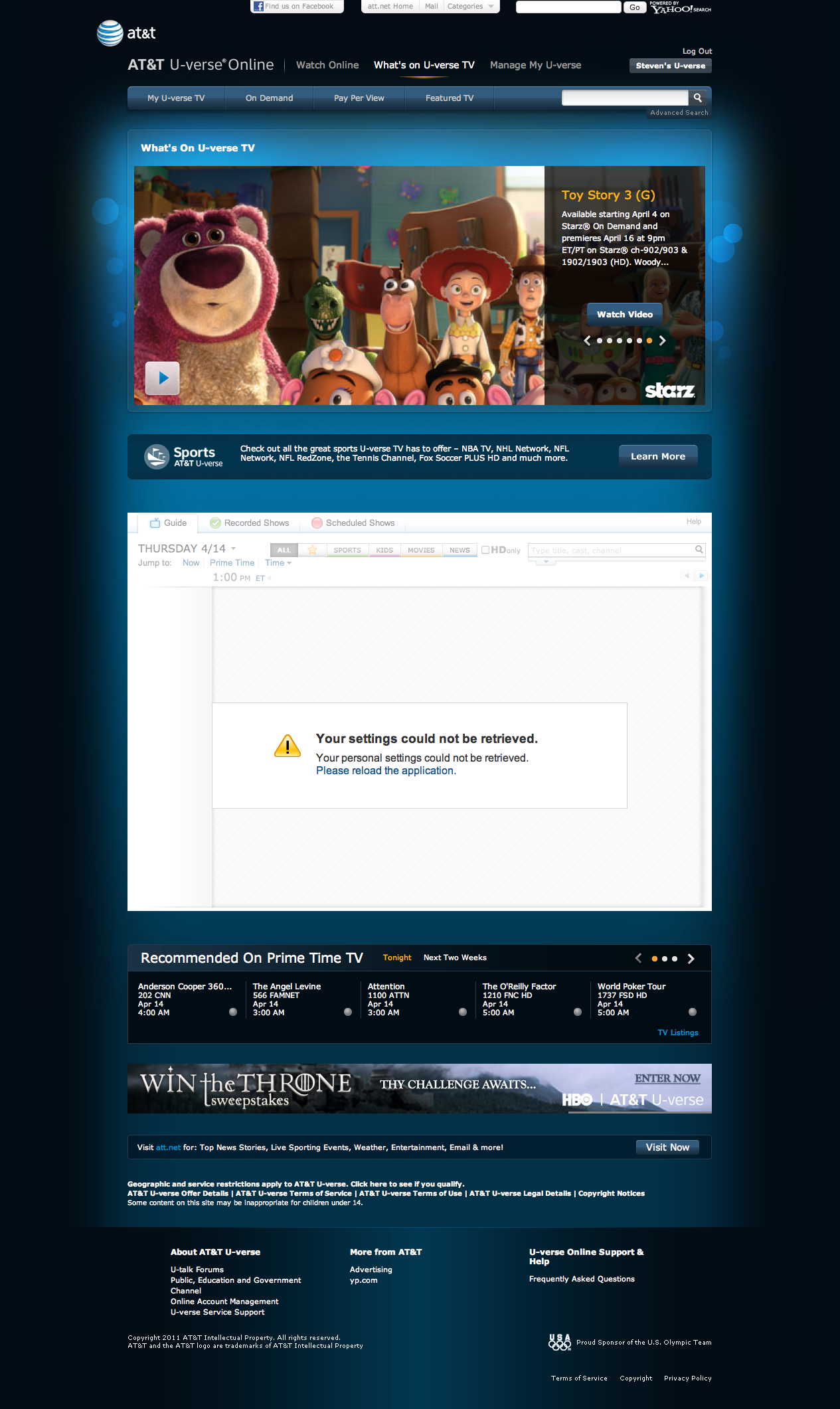
To see a screenshot of the 1st error, click here.
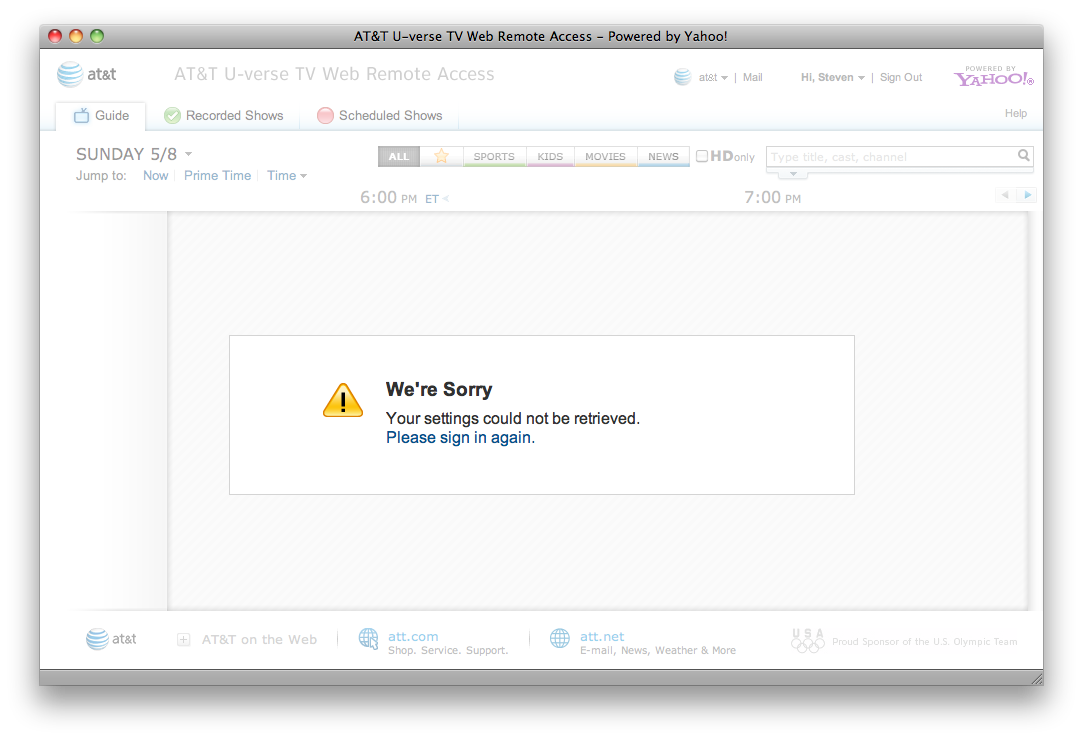
To see a screenshot of the 2nd error, click here.
This error is easily reproducable on the following platforms and browsers:
There's no such thing as a cookie or cache issue that affects different browsers running on different computers running different operating systems, so please don't waste my time telling me to delete cookies or clear my cache.
This error happens when logged in to my U-Verse account. If you log in with the login credentials of another user, you might not be able to reproduce the error.
Here are the steps to reproduce the error:The error should now be on your screen.
The error messages prompts you to ""Please sign in again" but if you click that link and do sign in again, the error message just repeats itself.